Introduction
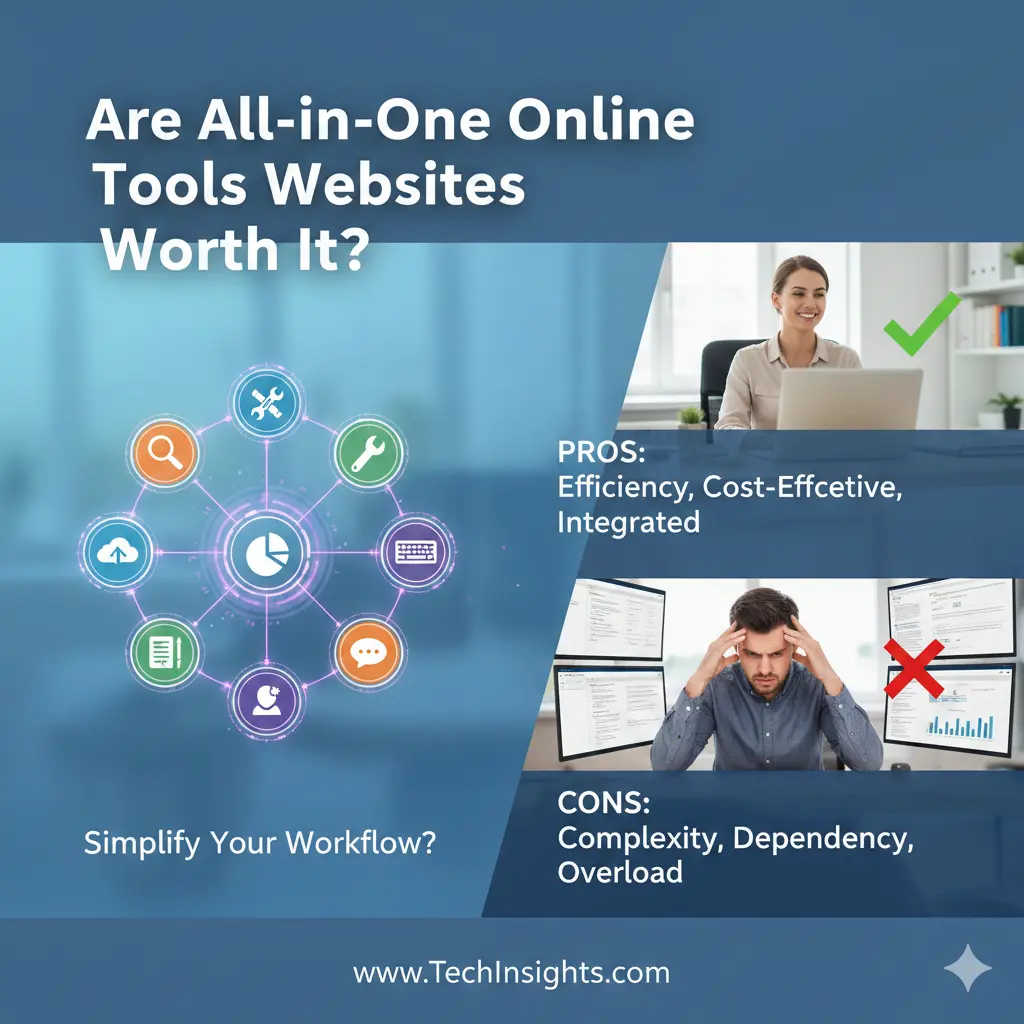
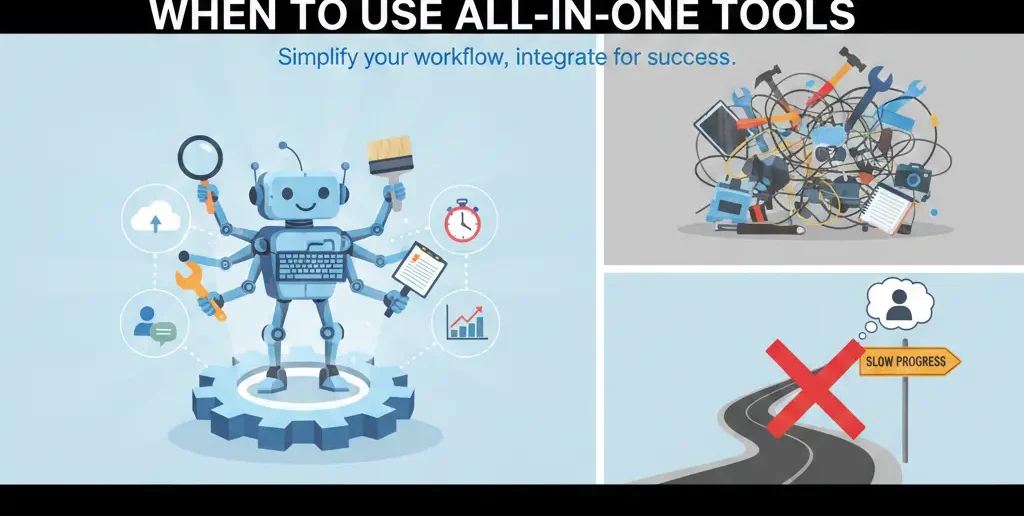
All-in-one online tools websites can save time and simplify workflow—but only when used wisely. These platforms bundle multiple utilities like converters, calculators, SEO tools, and productivity aids in one hub. Convenience is valuable, but it can also slow you down if clarity is replaced by endless options. This guide explains when all-in-one tools are worth it, their advantages, hidden downsides, and practical tips to use them effectively.
Why All-in-One Tools Matter
All-in-one tool platforms are everywhere: converters, generators, checkers, planners—all under one dashboard. They promise simplicity, but many users feel overwhelmed after using them. This article explains when these platforms help, when they hurt, and how to decide realistically.
What all-in-one tools websites actually offer
Most platforms bundle:
Calculators & converters
Writing or formatting tools
SEO or marketing utilities
Productivity mini-tools
The appeal is clear: fewer logins, fewer bookmarks, one hub.
[Pro-Tip] From real usage, all-in-one tools work best as support hubs, not as primary workspaces.
The real advantages (when they make sense)
Speed for small, repeat tasks
If you frequently need quick actions—formatting text, converting files, checking data—bundled tools save clicks.
Low learning curve
Most tools are lightweight and intuitive, which helps beginners.
Cost efficiency
Free or low-cost access to many utilities reduces subscription pressure.
[Money-Saving Recommendation] Use all-in-one tools for utility tasks, not for core business operations.
The hidden downsides most people don’t notice
Shallow functionality
Bundled tools rarely go deep. Advanced needs often outgrow them quickly.
Context switching inside the same platform
Too many options still create decision fatigue—even in one dashboard.
Dependency risk
If the platform changes, removes tools, or goes offline, your workflow breaks.
[Expert Warning] Convenience without control eventually becomes friction.
A comparison table: all-in-one vs specialized tools
| Aspect | All-in-One Tools | Specialized Tools |
| Setup time | Very low | Moderate |
| Depth | Limited | High |
| Best use | Quick tasks | Core workflows |
| Scalability | Low–Medium | High |
| Long-term reliability | Platform-dependent | More stable |
Information Gain: why most reviews miss the real question
Most reviews ask “How many tools are included?”
The better question is: “How many decisions does this remove?”
If a platform reduces thinking for common tasks, it helps. If it adds browsing, comparing, and clicking, it hurts productivity—no matter how many tools it offers.
Unique section: Myth vs Reality
Myth: One platform can replace all your tools.
Reality: One platform can support many tasks—but shouldn’t run your entire workflow.
The most effective setups use:
All-in-one tools for utilities
Specialized tools for core work
When all-in-one tools are a good fit
They work well if you:
Need quick, occasional utilities
Are early-stage or experimenting
Want minimal setup and zero commitment
They’re less ideal if you:
Run complex workflows
Need advanced features
Depend on one tool daily
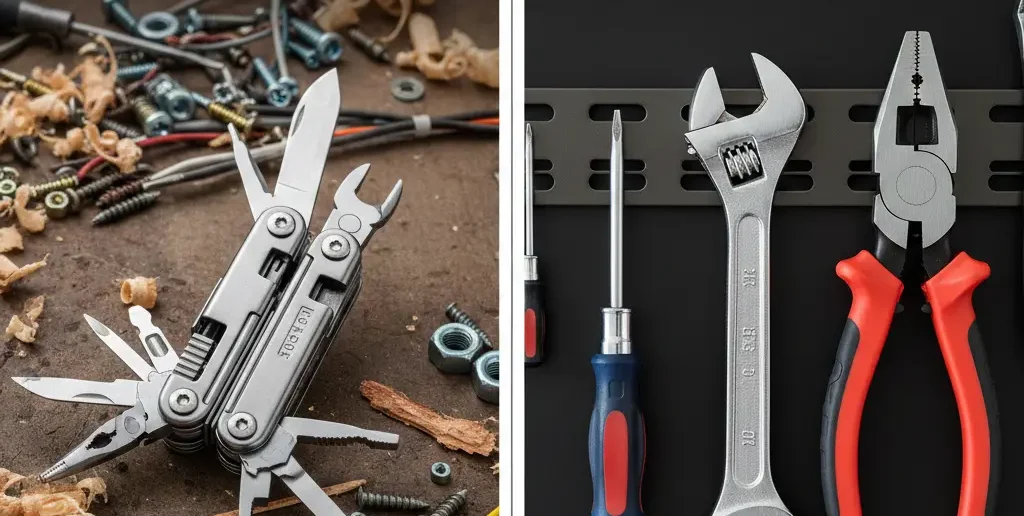
[Pro-Tip] Treat all-in-one tools like a toolbox—not a workshop.
How to use all-in-one tools wisely
Bookmark only 2–3 tools you actually use
Avoid browsing tool lists
Pair them with one strong specialized tool
Review usefulness every month
Learn visually
YouTube: https://www.youtube.com/watch?v=Rk2X9wP4Z6A
Explains productivity trade-offs between all-in-one and specialized tools.
FAQs
Are all-in-one online tools safe?
Most are safe for basic tasks if they don’t require sensitive data.
Can they replace paid software?
Sometimes for utilities, rarely for core work.
Do professionals use all-in-one tools?
Yes—but usually as support tools, not main systems.
Are they good for beginners?
Yes, especially for learning and experimentation.
What’s the biggest risk?
Relying on one platform for everything.
Internal linking plan
Free Marketing Tools Online That Actually Help
Online Tools for Small Businesses on a Budget
External linking plan
How to Choose Productivity Tools
Best Specialized Tools Compared
Conclusion
All-in-one online tools websites aren’t good or bad by default—they’re situational. Use them for speed and convenience, not as a replacement for clear systems. When paired thoughtfully with specialized tools, they can save time without sacrificing control.